
How to Safely Log into Facebook Using Cookies
Learn the exact, secure steps to log into your Facebook accounts using cookies on PC and mobile. Avoid suspensions and bypass checkpoints with this easy guide from Acc Market Pro.
Instagram, TikTok and YouTube have no official share link — copy the link instead.
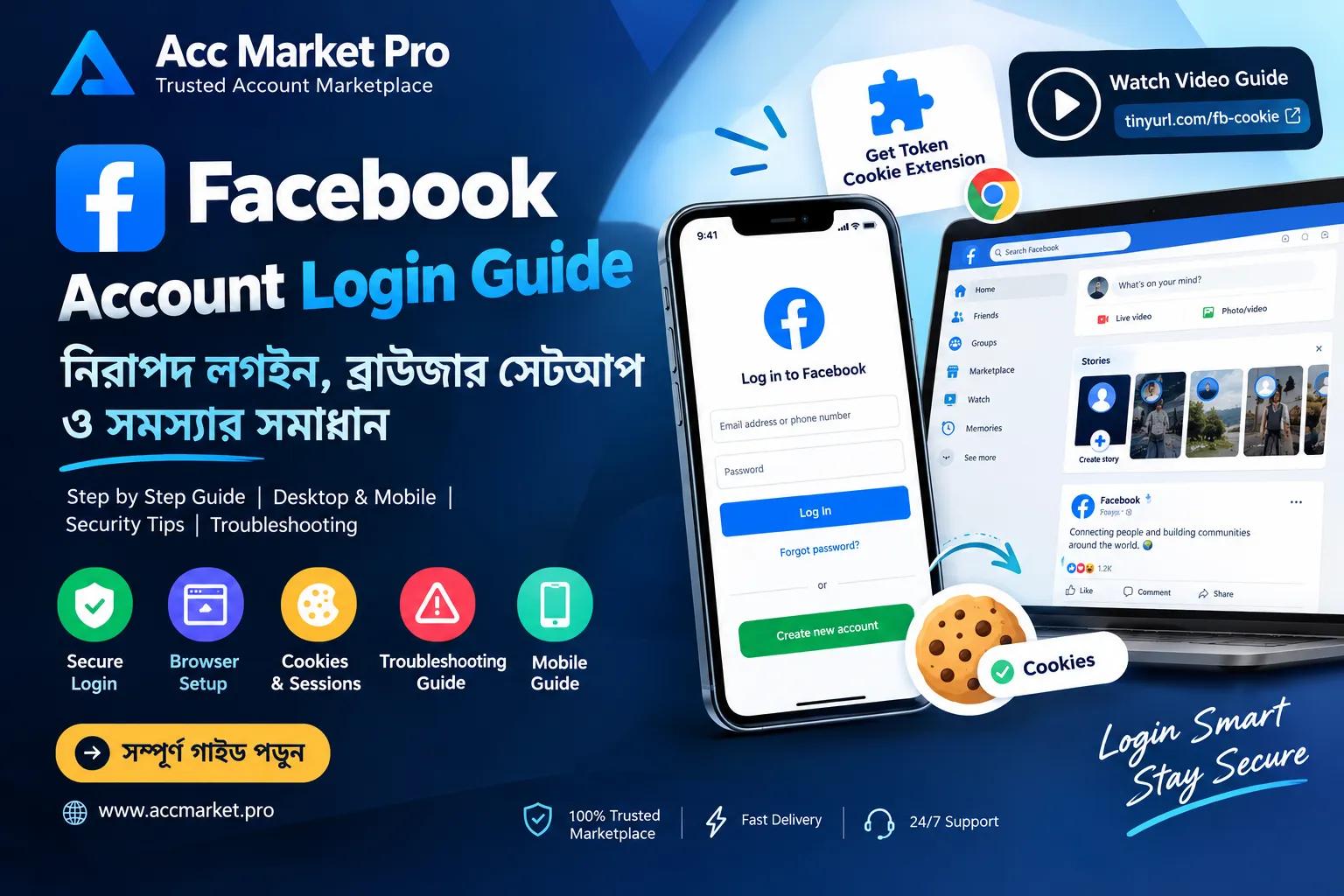
How to Properly Log into Facebook Using Cookies: The Ultimate Security Guide
If you regularly use multiple Facebook accounts for professional work or advertising, you have probably faced the frustration of unexpected checkpoints or account suspensions. Wondering how to solve this? The safest and most effective method is logging in using Cookies.
In this comprehensive guide brought to you by Acc Market Pro, we will show you exactly how to seamlessly log into your Facebook accounts using cookies on both PC and mobile devices. Let’s dive in!
Why Should You Use Cookies for Login?
Logging in with cookies provides a massive security advantage over the traditional username and password method. Here are the top benefits:
- Prevents Account Suspension: When you use cookies, the Facebook algorithm recognizes the login session as coming from a trusted, pre-authenticated device, significantly lowering the risk of bans.
- Long-Term Durability: Accounts logged in via cookies tend to last much longer, allowing you to run your campaigns or business smoothly.
- No "Unusual Activity" Checkpoints: It completely bypasses the strict security triggers that usually happen when logging into a new browser.
"For professional marketers and business owners, cookie login is not just an option—it is a necessity for account longevity."
How to Log in with Cookies on PC (Desktop/Laptop)
Using cookies on a PC is incredibly straightforward. We will use a reliable extension called Get Token Cookie. Follow these simple steps:
- Open your Google Chrome browser.
- Go to this link and add the Get Token Cookie extension to your browser.
- Pin the extension to your browser toolbar for easy access.
- Open a new tab and go to facebook.com (Do not try to log in, just stay on the homepage).
- Click on the Get Token Cookie extension icon at the top right of your browser.
- Paste your provided Cookie Code into the box and click the Import button.
- That's it! The page will refresh automatically, and you will be logged into your account securely without needing a password.
If you are more of a visual learner, feel free to watch our step-by-step Video Tutorial here.
How to Log in with Cookies on Mobile
Many people assume cookie login is strictly for PCs. But if you know the right trick, doing it on a smartphone is just as easy! Since standard mobile browsers don't support Chrome extensions, here is the workaround:
- Go to the Google Play Store on your Android device and download the Kiwi Browser or Lemur Browser. These browsers natively support PC Chrome extensions.
- Open the browser and paste the link for the Get Token Cookie extension to install it.
- Tap the browser menu (three dots) and enable Desktop Site mode.
- Visit the Facebook homepage.
- Open your browser menu again, scroll down to find the Get Token Cookie extension, open it, and paste your cookie code.
- Once imported, the page will reload, and you will be successfully logged in from your mobile phone!
What If the Cookie Fails to Log You In?
Sometimes, a cookie might expire or fail to import due to technical glitches. If this happens, don't panic! Your account is perfectly fine.
The Fix: If the cookie fails, simply log in manually using your Username, Password, and 2FA code in the exact same browser profile where you just tried to import the cookie. Because the browser has already captured a partial fingerprint from the cookie attempt, logging in manually right after is completely safe and will not trigger a suspension.
Where to Buy Premium & Secure Facebook Accounts?
If you are looking for high-quality, aged, or trusted Facebook accounts for your business, advertising, or personal needs, Acc Market Pro is your ultimate destination.
Visit our official website at accmarket.pro to explore our wide range of premium accounts. We provide active cookies with every account you purchase to ensure you get the safest login experience possible. Our top priority is providing our clients with robust security and unmatched quality.
We hope this guide helps you secure your accounts. If you need top-tier social accounts, don't forget to visit Acc Market Pro today!